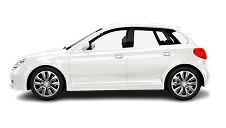
Car
01Room for family trips, shopping runs and luggage.
Book a car, bike or rickshaw. Name your fare, compare offers from drivers nearby, and pick the one that suits you — then pay in cash at drop-off.
 Coming soon
 Coming soon
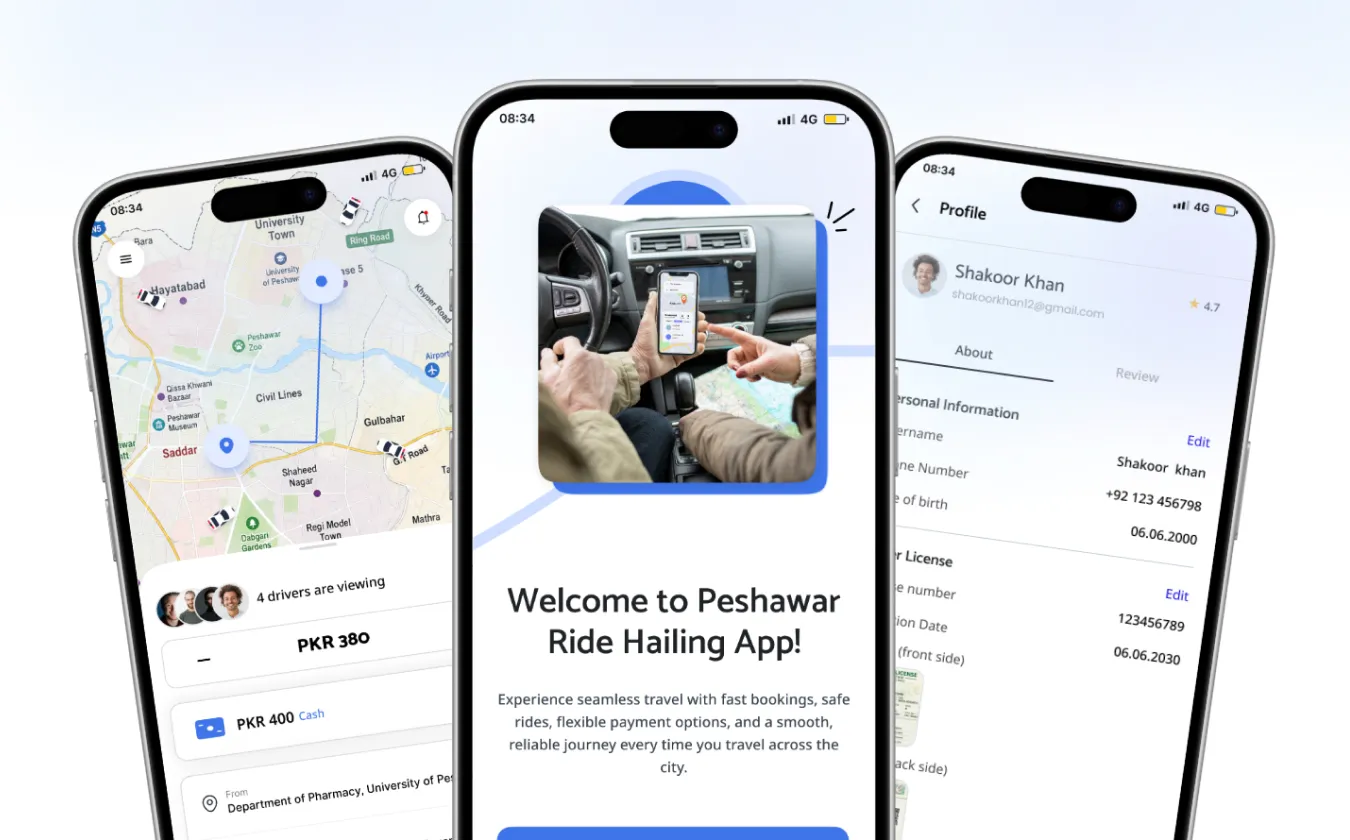 Your offerRs 400Pay in cash
Choose the vehicle before you send your offer.
Room for family trips, shopping runs and luggage.

A quick, low-cost ride when it is just you.
Everyday short hops around the city.
Pin where you are and where you are going — or pick a saved place like Home or Work.
Choose a car, bike or rickshaw and offer the price you think is fair.
Nearby drivers accept or counter. Compare price, arrival time and rating, then tap Accept.
3 drivers sent a counter-offer
 Imran K. · DriverI’m at the main gate, white Alto.
Stop guessing what a ride should cost. Offer what feels fair and let drivers come to you.
Make an offer and see drivers’ counter-offers side by side before you commit.
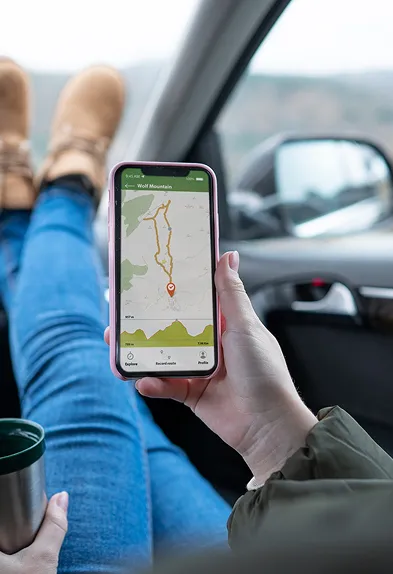
Watch your driver head to your pickup on the map, then follow your trip.
Message your driver about your pickup without swapping phone numbers.
Pay the agreed fare to your driver at drop-off. No card needed.
Drivers submit their CNIC, driving licence and vehicle details, and our team reviews each application before they can accept rides.
Riders rate their driver after each trip, and you see a driver’s rating before you accept their offer.
Send your location to someone you trust from the trip screen.
Raise an issue about a trip from Help in the app, with the ride attached.
Have a car, bike or rickshaw? Sign up in the app, submit your documents, and start accepting rides once our team approves you.
See the rider’s offer and accept it, or send a counter-offer you are happy with.
Switch yourself online to receive requests, and offline when you are done.
Completed trips, cash collected and commission, in one history.
Riders see your rating when they compare offers.
 New request · CarRider offers Rs 400
You offer a fare when you book. Nearby drivers can accept it or reply with their own price, and you choose the offer you prefer. The offer you accept is the fare for the trip.
In cash, to your driver, at the end of the trip.
Cars, bikes and rickshaws. Choose the vehicle type before you send your offer.
Safar is built for Peshawar, Khyber Pakhtunkhwa.
In the app, choose “Driver” and submit your personal details, CNIC, driving licence and vehicle information. Our team reviews every application, and you can accept rides once you are approved.
Android and iPhone. We are publishing on Google Play and the App Store.
In the app, open Menu → Settings → Account Settings → Delete Account. To have your personal data erased, use our Delete your data page — you don’t need the app for that.
Safar will be available on Google Play and the App Store.
Coming soonComing soon